Image with Content Slider - Tshwane Interim
Adds the image with description in a slider. Each image with description is a separate piece of content
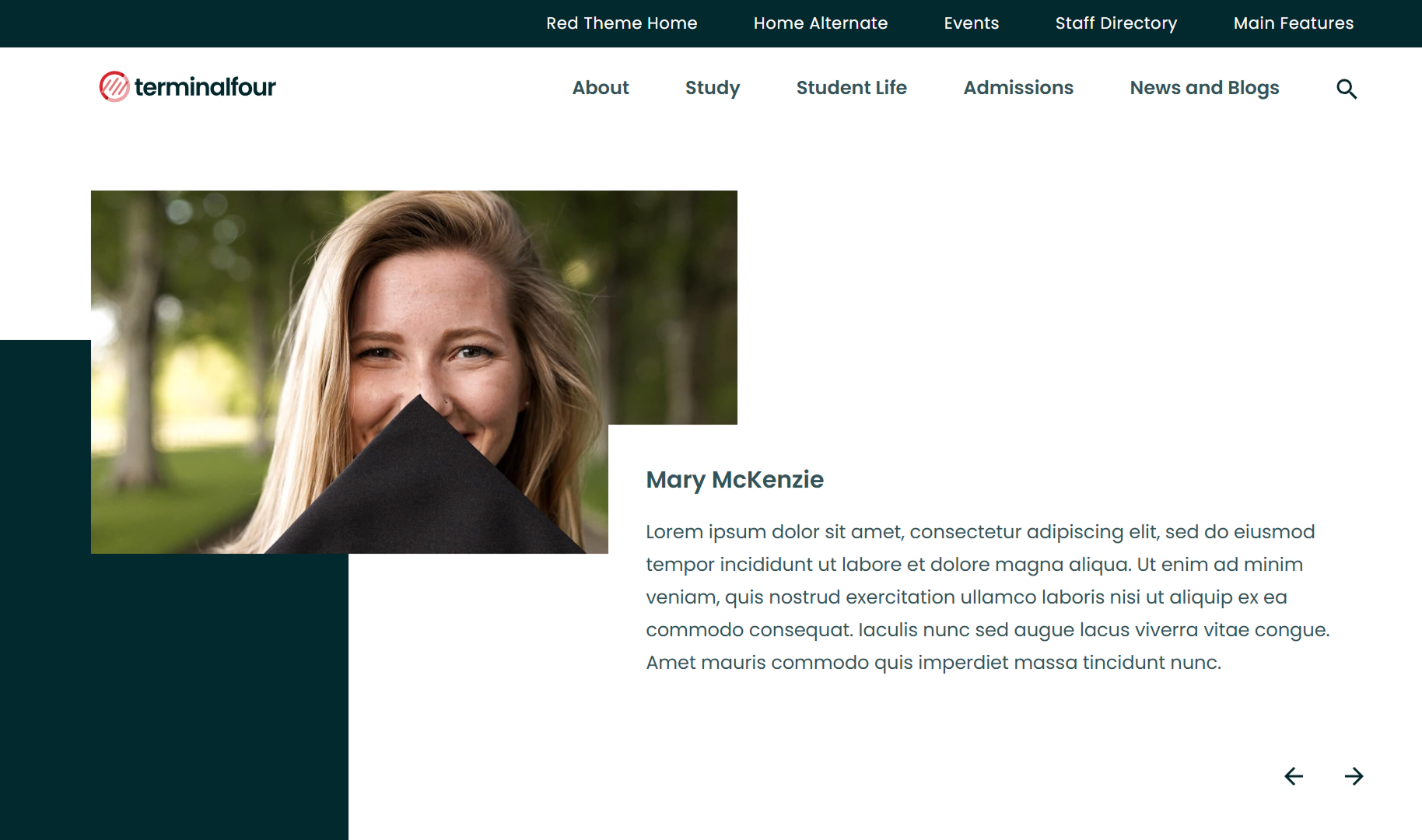
Content Type Details
- ID: 104
- Name: Image with Content Slider - Tshwane Interim
- Minimum user level: Contributor
- Compatible with page layouts: Homepage, Landing Page, Inner Page: Full Width
First Slide Only Settings
Add the following optional elements to the first slide in a group.
- Section Heading - this will appear above the slides
- Show Alternate Slider - to display a different style
Required for Each Slide
- Image - Select a suitable image from the Media Library, recommended dimensions are 800 x 450 pixels, 16:9 aspect ratio
Misc
-
Recommend to add a minimum of 2 slide items
-
No maximum slide limit
-
Adjacent slides automatically combine into one slider
-
Each slide is created as a separate content item
Content Type Elements Details
| Name | Description | Size | Type | Required | Conditionally Shown |
|---|---|---|---|---|---|
| Name | The Name Element | 80 Characters | Plain Text | Yes | No |
| Section Heading | Enter the section heading. This is only used for the first slide in a slider and will create a new slider group. | 50 Characters | Plain Text | No | No |
| Show Alternate Slider | Select the checkbox to show different variation of slider Choose from options: Yes | N/A | Check Box (List: Yes) | No | No |
| Image | Select the image from media library | N/A | Media | Yes | No |
| Title | Enter the title for the image | 150 Characters | Plain Text | No | No |
| Short Description | Short description for the image | 350 Characters | Plain Text | Yes | No |
Examples
Section Heading e.g. Graduate Profiles




Section Heading - Alternate Slider